
Install Apache, MySQL and PHP
# yum -y update
# yum -y install httpd httpd-devel
# yum -y install mariadb-server mariadb
# yum -y install php php-cli php-common php-devel php-pear php-gd php-mbstring php-mysql php-xml
Start Services Apache, MySQL
#systemctl start httpd
#systemctl start mariadb.service
#systemctl enable mariadb.service
Set the password for the root user (123456 เปลี่ยนเป็นรหัสที่ต้องการ)
#mysqladmin -u root password 123456
Installing repository configuration package
#rpm -ivh http://repo.zabbix.com/zabbix/3.2/rhel/7/x86_64/zabbix-release-3.2-1.el7.noarch.rpm
ติดตั้งแพคเกจ Zabbix
#yum install -y zabbix-server-mysql zabbix-web-mysql zabbix-agent zabbix-java-gateway
Create Zabbix MySQL Database (zabbix123456 = คือรหัสเข้าฐานข้อมูลสามารถเปลี่ยนได้ตามต้องการ)
#mysql -u root -p
mysql> CREATE DATABASE zabbixdb CHARACTER SET UTF8;
mysql> GRANT ALL PRIVILEGES on zabbixdb.* to zabbix@localhost IDENTIFIED BY 'zabbix123456';
mysql> FLUSH PRIVILEGES;
mysql> quit
Edit the main Zabbix server configuration file. /etc/zabbix/zabbix_server.conf
DBName=zabbixdb
DBUser=zabbix
DBPassword=Your.Password.Here
การสร้างฐานข้อมูลเบื้องต้น
#cd /usr/share/doc/zabbix-server-mysql-3.2.3
#zcat create.sql.gz | mysql -u zabbix -p zabbixdb
เริ่มการทำงาน Zabbix server process. Start/Restart the service in Systemd Systeme
systemctl start zabbix-server.service
systemctl start zabbix-agent.service
systemctl restart httpd.service
systemctl restart mariadb.service
systemctl enable zabbix-server.service
systemctl enable zabbix-agent.service
แก้ไข PHP configuration for Zabbix located in /etc/httpd/conf.d/zabbix.conf
        php_value max_execution_time 300
        php_value memory_limit 128M
        php_value post_max_size 16M
        php_value upload_max_filesize 2M
        php_value max_input_time 300
        php_value date.timezone Asia/Bangkok
Restart the apache web server.
#systemctl restart httpd
Start Zabbix Web Installer
http://localhost/zabbix/
http://127.0.0.1/zabbix/
http://domainname.com/zabbix/
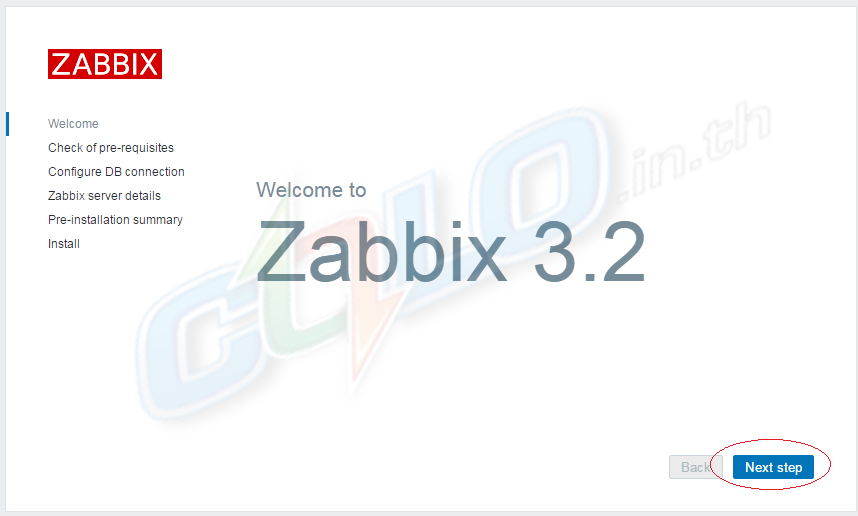
Zabbix Setup Welcome Screen http://domainname.com/zabbix/
หน้าต้อนรับการติดตั้ง Zabbix คลิกปุ่ม Next.
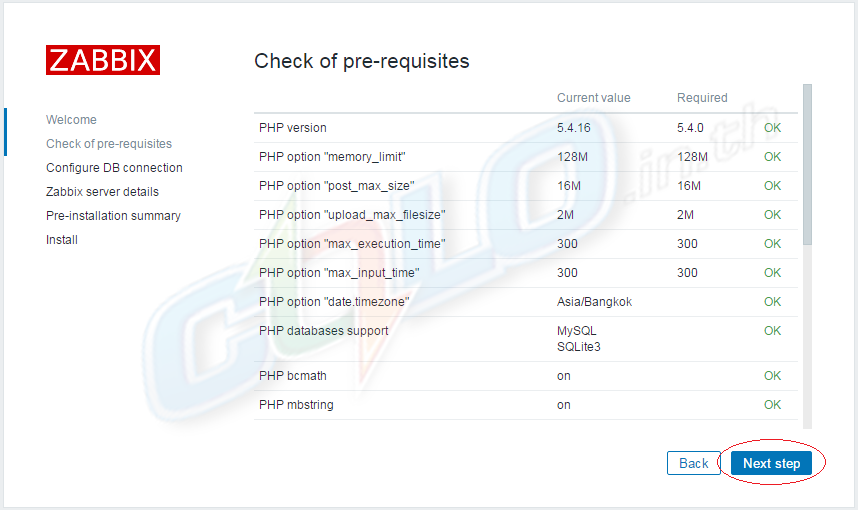
ตรวจสอบ packages ที่จำเป็น คลิกปุ่ม Next.
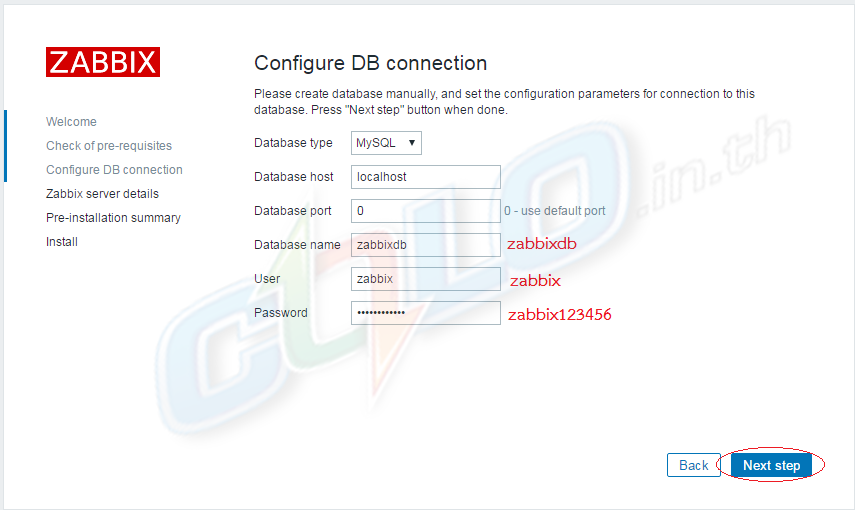
กรอกรายละเอียดฐานข้อมูล ชื่อ Database zabbixdb , User zabbix , Password zabbix123456
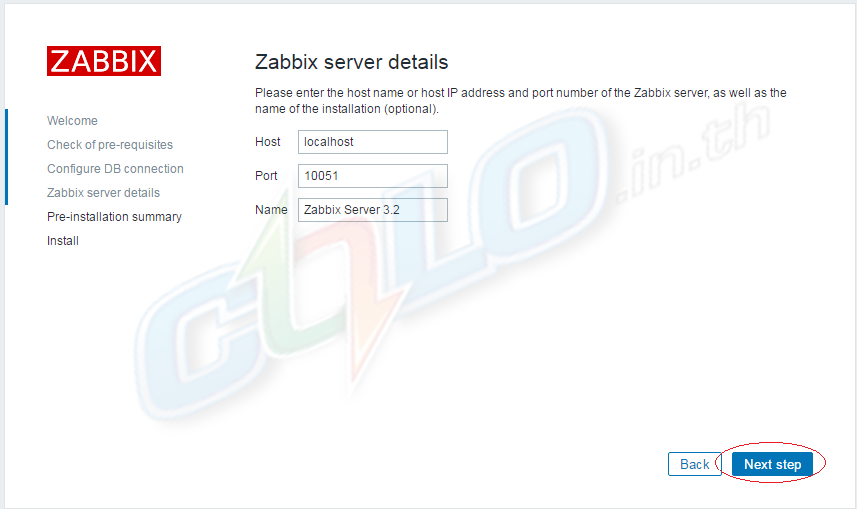
กรอกรายละเอียด Zabbix Server Details
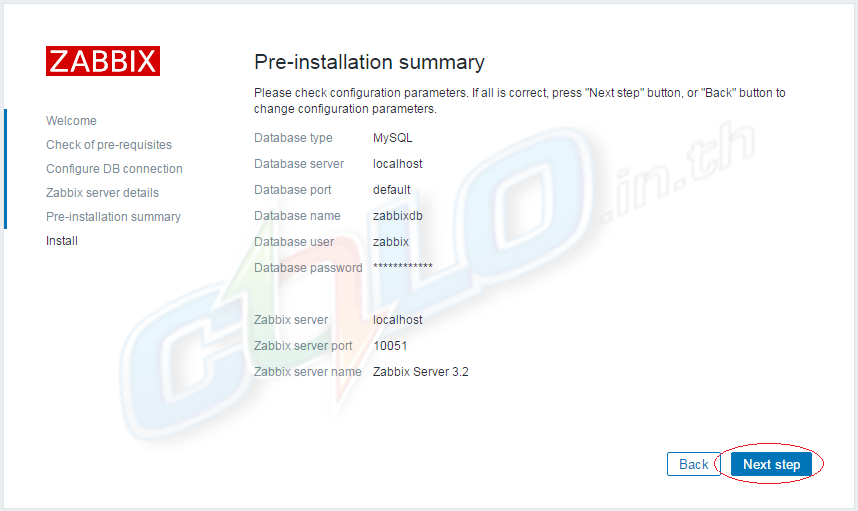
สรุปข้อมูลทีได้ป้อนไปก่อนหน้านี้ คลิก Next.
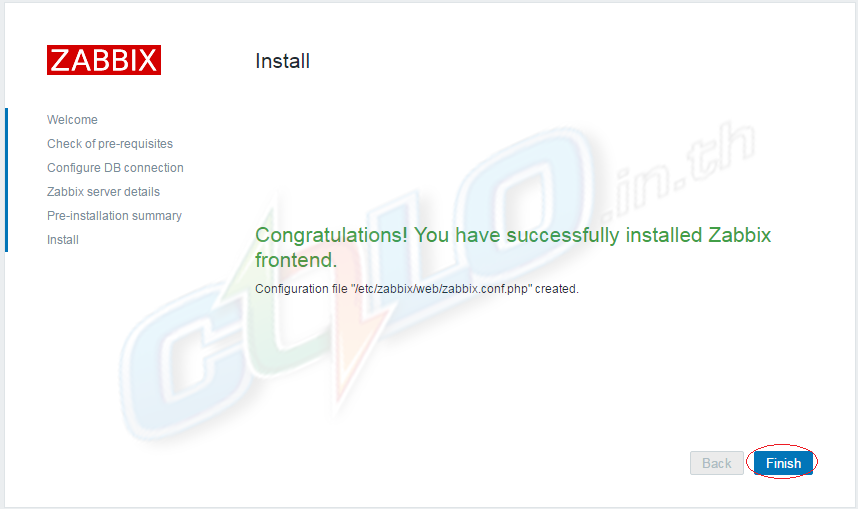
Install Zabbix คลิก Finish.
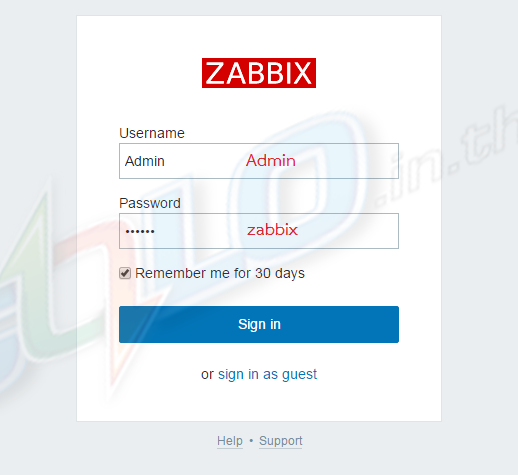
เข้าสู่ระบบเพื่อใช้ Zabbix.
Zabbix Default Username and Password
Username: Admin
Password: zabbix
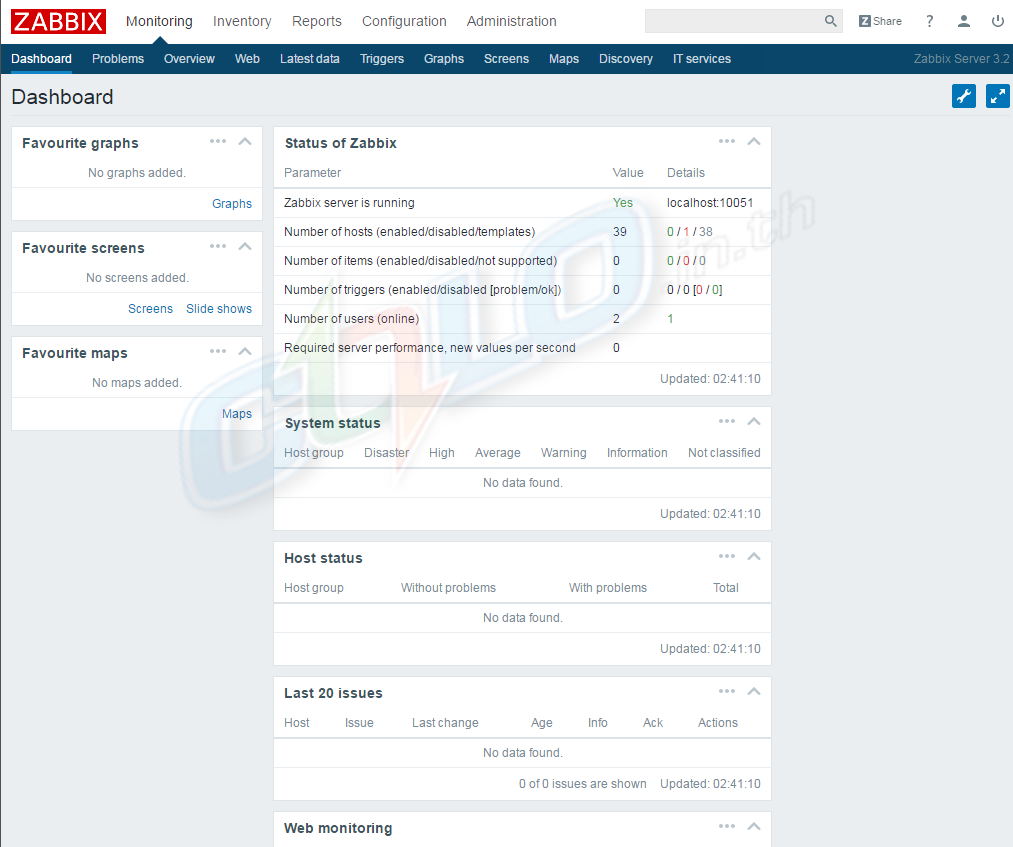
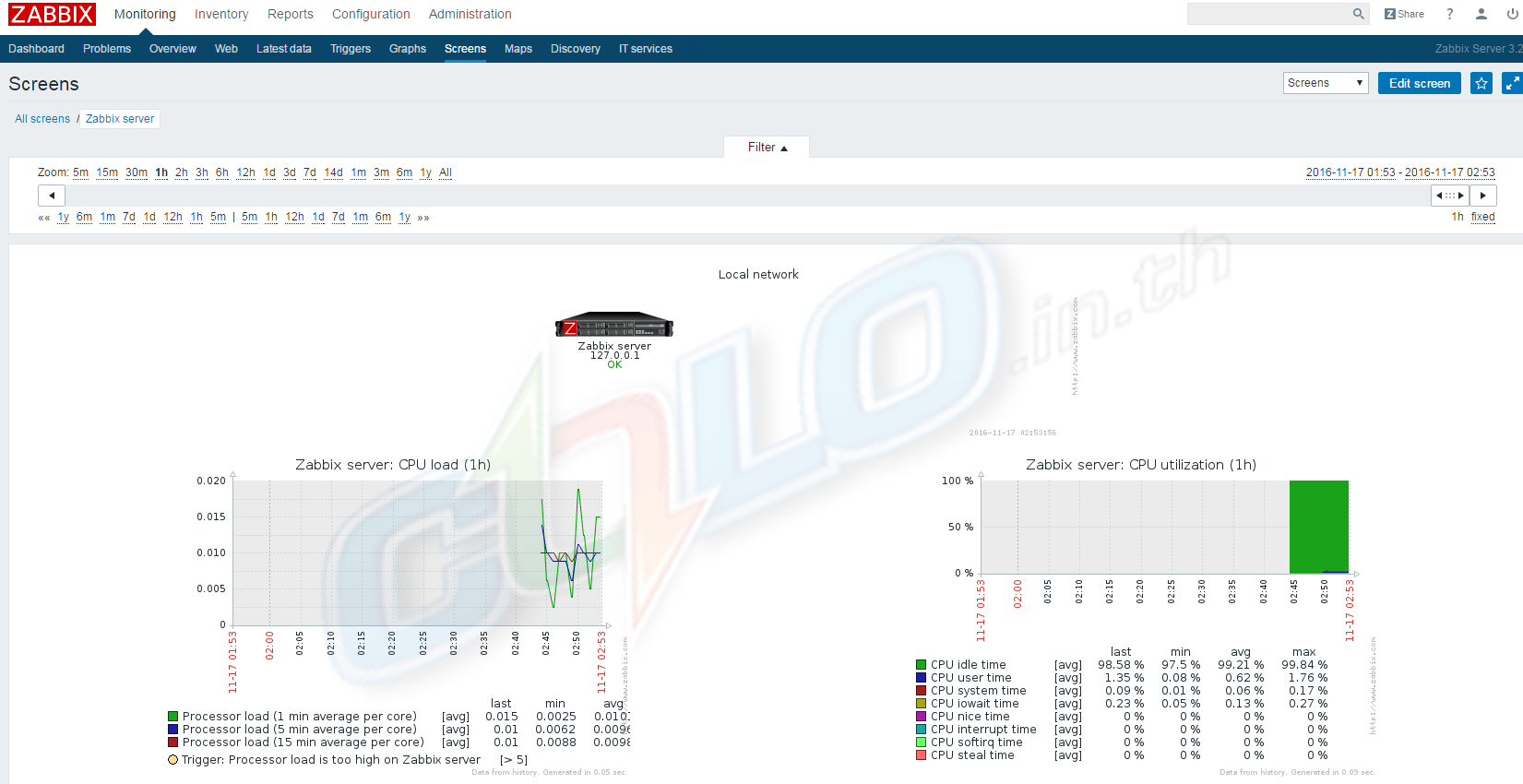
หลังจากเข้าสู่ระบบสำเร็จคุณจะได้รับแดชบอร์ด Zabbix เช่นนี้